
Microsoft Word
Microsoft Word is Microsoft's word processor and part of Microsoft 365. This page explains who it suits and how to get it on Windows.
289.2 MB

HexCmp is a small Windows program from Fairdell Software for comparing two binary files byte by byte and editing them in a hex view.
Average 0.0 · ratings: 0
Thank you! Your rating is saved; you can change it. Could not save the rating. Please try again later. Too many ratings from your network today. Please try again tomorrow. The average appears after 5 ratings.
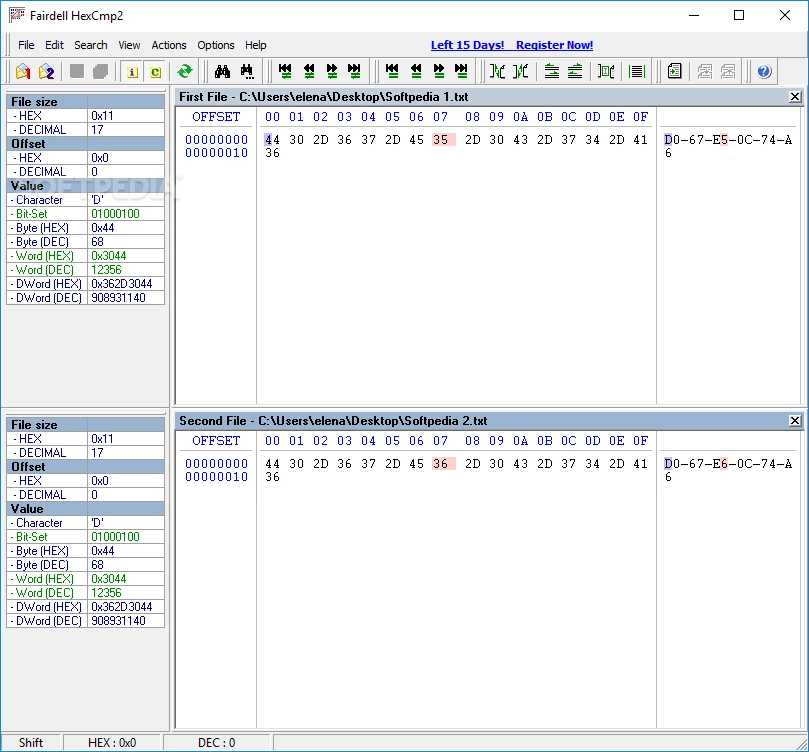
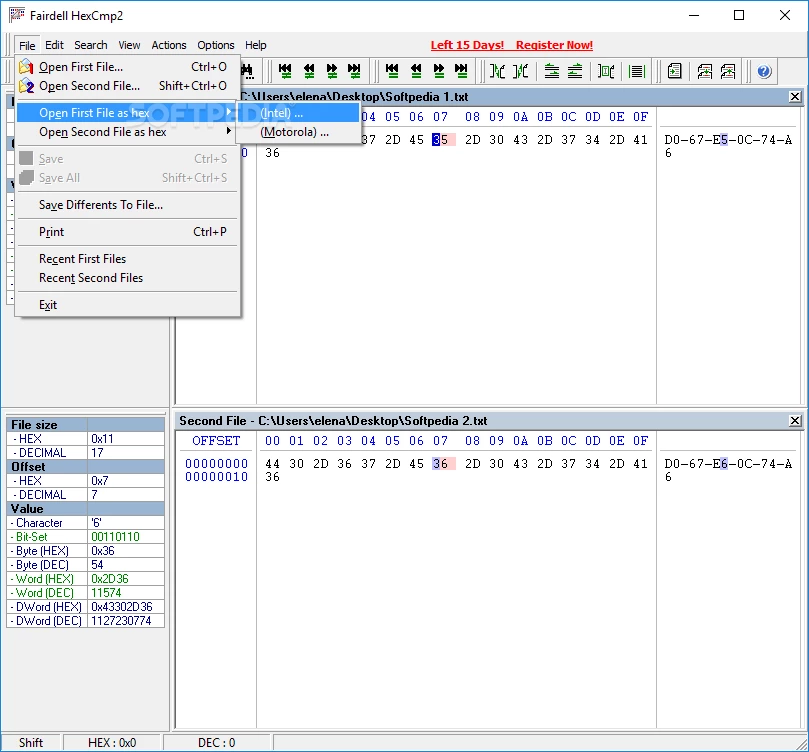
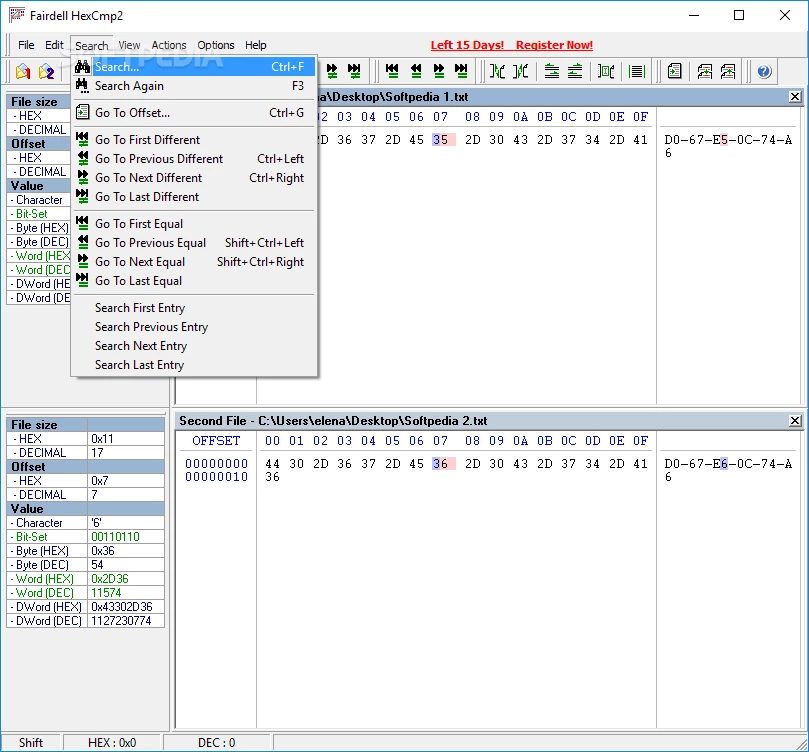
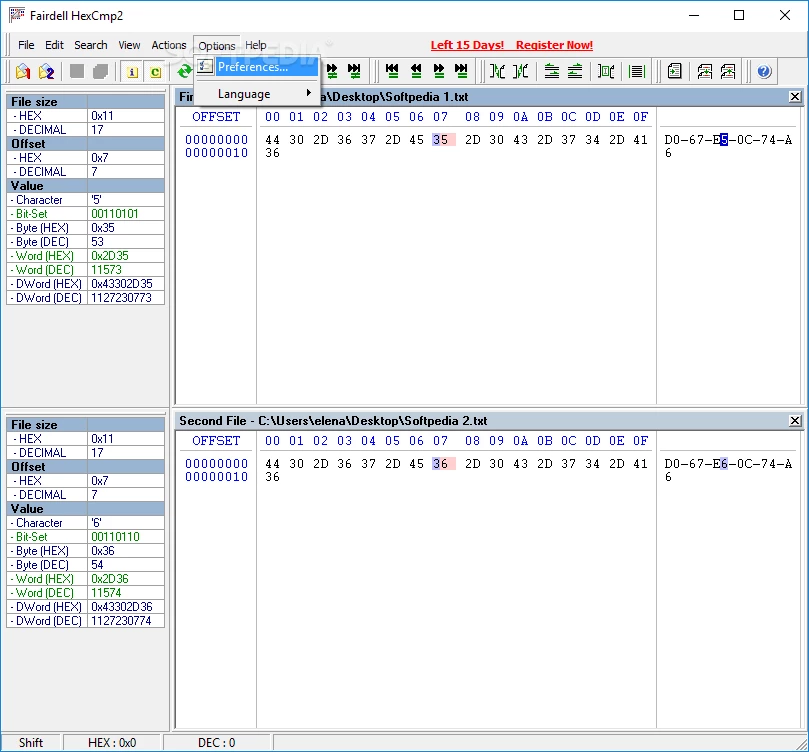
HexCmp 2.34.14 is a Windows program from Fairdell Software for comparing binary files and editing them at the byte level. It shows two files side by side in hexadecimal and text form and highlights every byte that differs. The download is under a megabyte, and you can download HexCmp for Windows from fairdell.com.
Text comparison tools work well for source code and documents, but they are useless with binary data: executables, firmware images, save files, database files, images. There, the only way to see what changed is to look at the bytes. HexCmp puts two such files next to each other, scrolls them in sync and marks the differences, so you can jump from one changed block to the next. Built-in hex editing lets you change values directly, which is useful for patching a configuration byte or repairing a damaged header. Typical users are developers checking whether two builds are really identical, reverse engineers and security researchers studying what an update changed, technicians comparing firmware dumps, and gamers or modders analysing save files. It also helps in data recovery, where you compare a damaged file with a healthy one of the same type. The interface is technical by nature; basic knowledge of hexadecimal notation is expected.
Product details are on the official HexCmp page.
Each row shows an offset, the position in the file, followed by bytes in hexadecimal and their text representation. When differences appear only in a small block near the start, the change is often in a header or a version field. Differences spread across the whole file usually mean compression or encryption, where a small change in content alters everything after it. In that case, comparing byte by byte tells you little, and you need to unpack the data first.
| Item | Details |
|---|---|
| Version | 2.34.14 |
| Developer | Fairdell Software |
| Platform | Windows |
| Licence | free |
| Size | about 772.24 KB according to catalogue data |
For comparing and editing text files, Notepad++ is in our listings. Total Commander includes a basic file comparison function for everyday use.
Microsoft Word is Microsoft's word processor and part of Microsoft 365. This page explains who it suits and how to get it on Windows.

Microsoft Office 2010 is an office suite for Windows released in 2010; Microsoft ended its support on 13 October 2020 and recommends Microsoft 365.

Microsoft Office 2019 is a one-time purchase edition of Microsoft's office suite for Windows 10 and macOS, released in September 2018.

Adobe Reader XI (11) is an older version of Adobe's free PDF viewer for Windows; its support ended in October 2017 and Adobe Acrobat Reader is the successor.

Adobe Acrobat Reader is Adobe's free Windows application for opening, reading, printing and commenting on PDF documents.

iLovePDF Desktop is the Windows app of the iLovePDF service: merge, split, compress, convert and edit PDF files on your PC without uploading them.

Microsoft Excel is Microsoft's spreadsheet program for calculations, tables and data analysis. Build 16.0.19725.20152 is a current Windows release.

Microsoft Office 2007 is a Windows office suite released in 2007; its support ended on 10 October 2017, and Microsoft recommends Microsoft 365.